Practice & Games
Practice they do alone
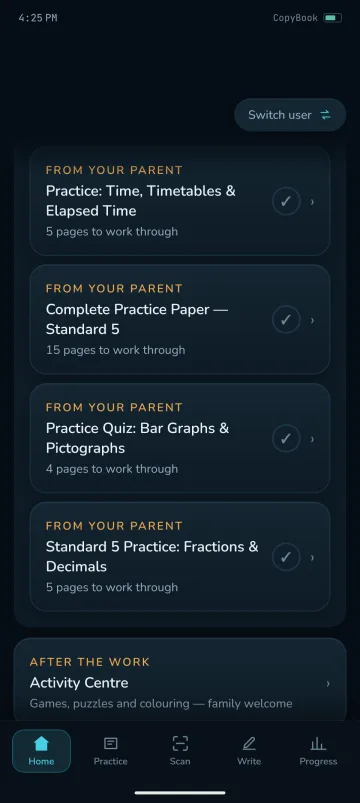
Short practice on one topic at their own standard, with Pip to keep them company. Games, puzzles and colouring come after the work.


For parents
See where your child needs help, follow their progress, and turn a few useful minutes into focused support.

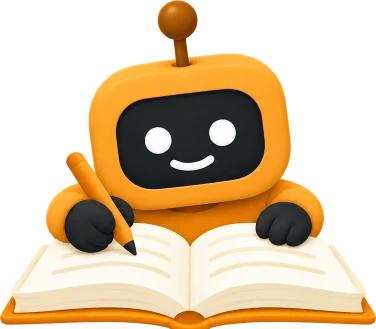
Hi, I'm Pip. You will always see the marking before your child does.
Start at their own standard and find the skills holding later work back.
Photograph a page and it comes back marked question by question.
Short practice on one topic at their own standard, in the app.
What moved, what has not been touched, and what to try next.
What parents get
Work you send from the parent side lands in your child's CopyBook app on their Android phone, and their progress comes back to you.
Practice & Games
Short practice on one topic at their own standard, with Pip to keep them company. Games, puzzles and colouring come after the work.
CopyBook ADAPT
One cycle: assess at their own standard, detect the gaps, adapt the path, provide targeted practice, track what changed.
Scan Homework
From their copybook or the board. Marked question by question, or turned into the topics the class is on. You see the marking first.
Track progress
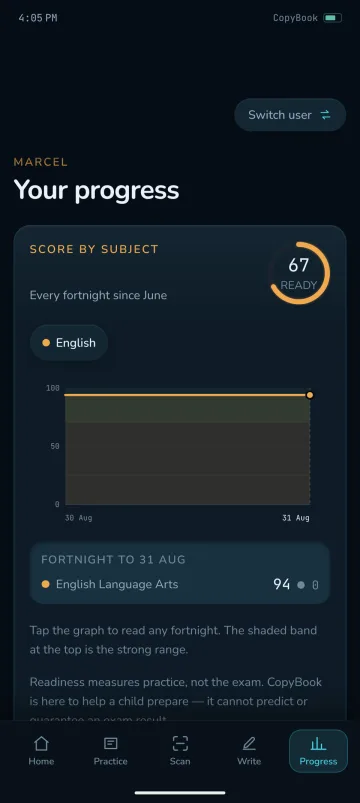
A score for each subject, what moved this week, what has not been touched in a month, and what is waiting for you. On your phone or in a browser.
Pip
Pip keeps your child company through practice, with a tip waiting on their home screen in the app.

Works around your life.
Built for real life
Your child practises in the app; you follow along on your phone or the web, in one household with one learning history. Their practice does not need you in the room: marked pages and finished work wait for you, and you release them when you are ready.
Get started
New households begin with a free trial of 14 days or 60 credits, whichever comes first. Your household and learning history stay when the trial ends. Continued access is planned at TT$150 per month.